
Intellectual Property
Hot selling product recommendations
View More





















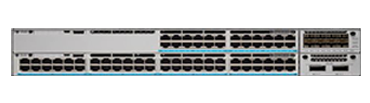
The Cisco Catalyst 9300 is a stackable, fixed-configuration access switch family built for enterprise wiring closets and campus distribution. It sits below the chassis-based Catalyst 9400 and above the compact Catalyst 9200, and it is one of the platforms Cisco positions as a foundation for Software-Defined Access. The series is sold in three distinct lines, and which one you choose changes the uplink options, the power budget and the expansion path more than any other single decision.
Catalyst 9300 (standard) is the modular line. Models carry an open network module slot on the front panel, so copper, fibre or 10G uplinks can be added after purchase rather than being fixed at order time. Port counts cover 24 and 48, with data-only, PoE+, UPoE and multi-gigabit variants. The modular bay is the main reason buyers pick the standard line over the Lite line.
Catalyst 9300L uses the same switching platform but ships with fixed uplinks — 4 x 1G, 4 x 10G or 2 x 40G depending on the model. Because the uplink is not field-changeable there is no network module slot, which reduces cost. The 9300L is normally chosen where the uplink requirement is already known and unlikely to change.
Catalyst 9300X adds higher-speed uplink options, including multirate ports that support 25G in addition to 10G and 1G token rates. It is intended for access closets feeding 25G-capable distribution layers, and for deployments where the multi-gigabit access ports (2.5G/5G/10G) are needed at scale.
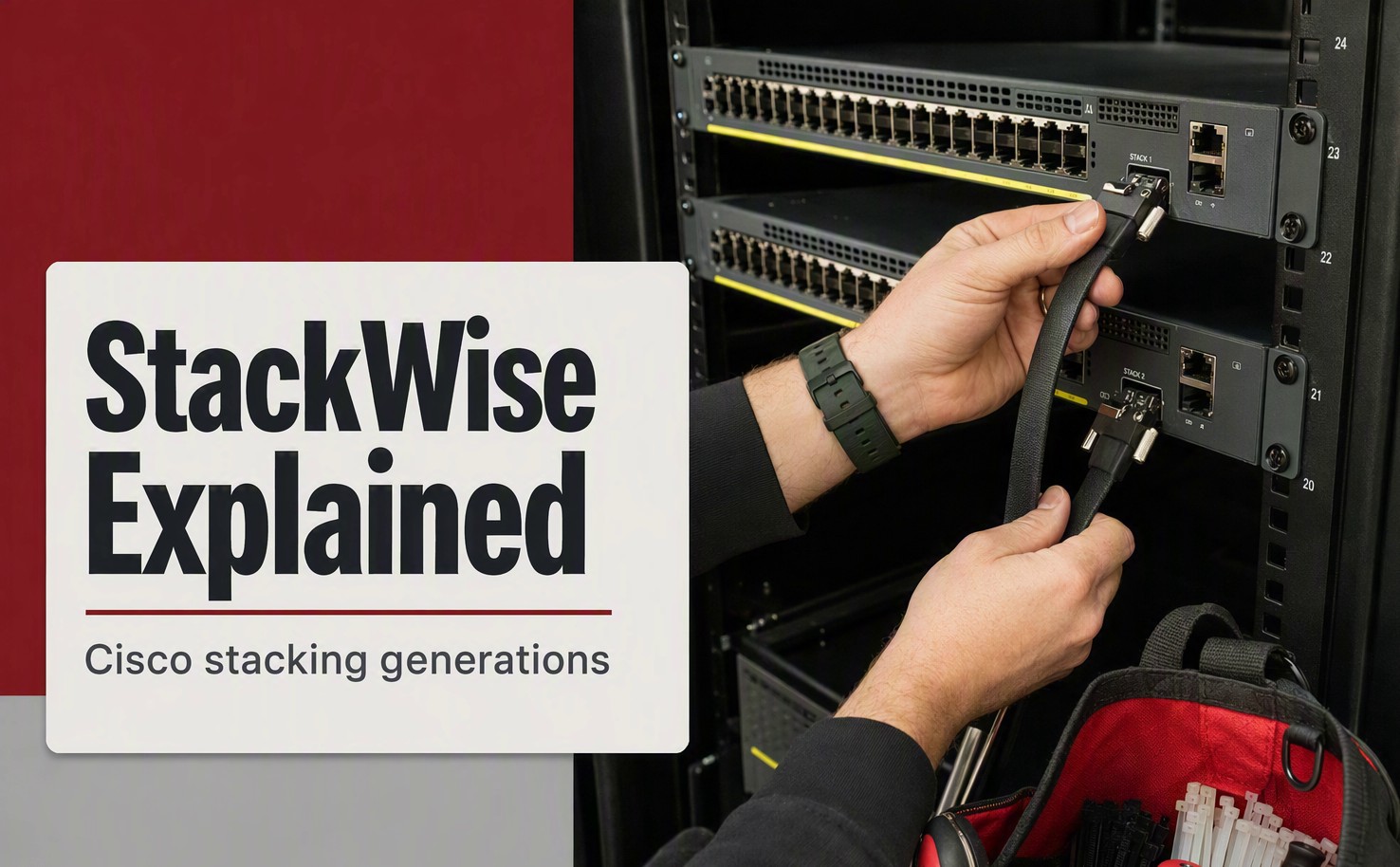
All three lines run the same operating system image family, support StackWise-480 stacking at 480 Gbps, and can be managed through the Cisco Catalyst Center, the web UI or the CLI. They also share the same software licensing structure — Network Essentials or Network Advantage — which is ordered with the device and determines the available Layer 3 feature set.
1. Decide between the standard, Lite and X lines first. If you need the option to change uplinks or add a network module later, order the standard line. If the uplink type is already fixed by your design, the Lite line delivers the same switching capacity at a lower unit price. If your distribution layer runs at 25G, or you need multi-gigabit access ports, the X line is the only one of the three that covers it.
2. Match the port count to the wall field. The standard and Lite lines offer 24-port and 48-port versions. As a rough guide, a 48-port model covers a full wiring closet row; 24-port models suit smaller floor boxes and are often stacked in pairs. The 9300X also includes 12-port models, which are typically used where only a small number of high-rate ports are needed.
3. Determine the power budget your endpoints require. Four power classes appear across the series. Data-only models supply no PoE and are the cheapest option where only workstations and printers are connected. PoE+ models deliver up to 30W per port and cover standard IP phones, cameras and 802.11ac access points. UPoE models raise that to 60W per port for pan-tilt-zoom cameras, thin clients and 802.11ax access points demanding more headroom. Multi-gigabit (mGig) models combine higher power with 2.5G/5G/10G access ports, and are the appropriate choice when access points or servers on the edge need faster-than-gigabit links.
4. Choose the uplink that matches your distribution layer. Lite models are ordered with a fixed uplink: 4 x 1G where the closet is uplinked to a distribution stack at gigabit, 4 x 10G for standard campus aggregation, and 2 x 40G where the closet aggregates several access stacks into a 40G core. Standard-line models use a network module for the same purpose, with 4 x 1G, 4 x 10G, 2 x 40G and 8 x 10G module options listed separately.
5. Select the software licence. Network Essentials covers the Layer 2 and basic Layer 3 feature set: VLANs, static routing, RIP, OSPF for a single area, and standard QoS. Network Advantage adds the full Layer 3 stack, including advanced OSPF, EIGRP, BGP, PIM multicast routing, VRF-Lite and the higher scale limits that go with them. Both are perpetual licences tied to the device, and both are ordered as part of the product code rather than activated separately.
| Model | Line | Ports | Power | Uplink | Licence | Price |
|---|---|---|---|---|---|---|
| C9300-24T-E | 9300 | 24 x 1G | — | Network module | Essentials | US$1,367.00 |
| C9300-24T-A | 9300 | 24 x 1G | — | Network module | Advantage | US$2,200.00 |
| C9300-48T-E | 9300 | 48 x 1G | — | Network module | Essentials | US$2,449.00 |
| C9300-48T-A | 9300 | 48 x 1G | — | Network module | Advantage | US$2,477.13 |
| C9300-24P-E | 9300 | 24 x 1G | PoE+ | Network module | Essentials | US$1,450.00 |
| C9300-24P-A | 9300 | 24 x 1G | PoE+ | Network module | Advantage | US$2,400.00 |
| C9300-48P-E | 9300 | 48 x 1G | PoE+ | Network module | Essentials | US$2,703.00 |
| C9300-48P-A | 9300 | 48 x 1G | PoE+ | Network module | Advantage | US$4,050.00 |
| C9300-24U-A | 9300 | 24 x 1G | UPoE | Network module | Advantage | US$1,904.00 |
| C9300-48U-A | 9300 | 48 x 1G | UPoE | Network module | Advantage | US$2,331.00 |
| C9300-24UX-A | 9300 | 24 x mGig | UPoE | Network module | Advantage | US$3,875.00 |
| C9300L-48T-4X-A | 9300L | 48 x 1G | — | 4 x 10G fixed | Advantage | US$3,552.00 |
| C9300L-48P-4X-A | 9300L | 48 x 1G | PoE+ | 4 x 10G fixed | Advantage | US$4,751.98 |
| C9300X-24Y-A | 9300X | 24 x 1/10/25G | — | Network module | Advantage | US$6,942.00 |
| C9300X-48HX-A | 9300X | 48 x mGig | UPoE | Network module | Advantage | US$7,205.77 |
Prices are the current listed prices for the models held in stock and exclude network modules, power supplies, stacking cables and support contracts unless stated. Network modules such as the C9300-NM-8X, C9300-NM-4G and C9300-NM-2Q are priced separately; stacking kits (C9300-STACK-KIT, C9300L-STACK-KIT) are also separate line items.
What is the difference between the Catalyst 9300, 9300L and 9300X?
The three lines share the same switching platform but differ in uplink flexibility and speed. The standard 9300 has a network module slot, so uplinks can be changed or added after purchase. The 9300L has fixed uplinks and no module slot, which lowers the unit price. The 9300X supports higher-rate uplinks including 25G, and offers multi-gigabit access ports at scale.
What does Network Essentials include compared with Network Advantage?
Network Essentials provides the Layer 2 feature set with basic Layer 3 routing — VLANs, static routes, RIP and single-area OSPF. Network Advantage adds the full Layer 3 stack, including advanced OSPF, EIGRP, BGP, PIM multicast, VRF-Lite and higher scale limits. The licence is ordered as part of the product code and is perpetual.
Do I need to order a network module separately?
On standard-line and X-line models, yes. The base appliance ships without an uplink module, and the module is a separate line item. Lite-line models have fixed uplinks and cannot take a module.
What is the difference between PoE+, UPoE and mGig models?
PoE+ supplies up to 30W per port and covers standard IP phones, cameras and 802.11ac access points. UPoE raises the per-port budget to 60W for PTZ cameras, thin clients and higher-draw access points. Multi-gigabit models combine the higher power budget with 2.5G/5G/10G access ports for faster edge devices.
Can these switches be stacked?
Yes. The series supports StackWise-480 stacking at 480 Gbps across up to eight members using the C9300-STACK-KIT for standard and X models, or the C9300L-STACK-KIT for Lite models. The stacking kit is ordered separately from the switches.
Are power supplies included?
A default power supply is included with each appliance, but the rating varies by model and PoE configuration. Redundant power supplies and higher-rated units for full PoE budgets are separate line items, and the required rating depends on how many ports are expected to draw power simultaneously.
Which models are needed for a full 48-port PoE+ closet?
A 48-port PoE+ model in the appropriate licence tier, the required power supply rating to cover the expected PoE load, a stacking kit if the closet will be stacked, and an uplink — either a network module on the standard line or the fixed uplink on a Lite model. Send us the target port count and PoE budget and we will price the complete configuration.


Get advice, answers, and solutions when you need them. For general questions, contact us at +86 152 7186 6615 / john@infdevice.com