
Intellectual Property
Hot selling product recommendations
View More


















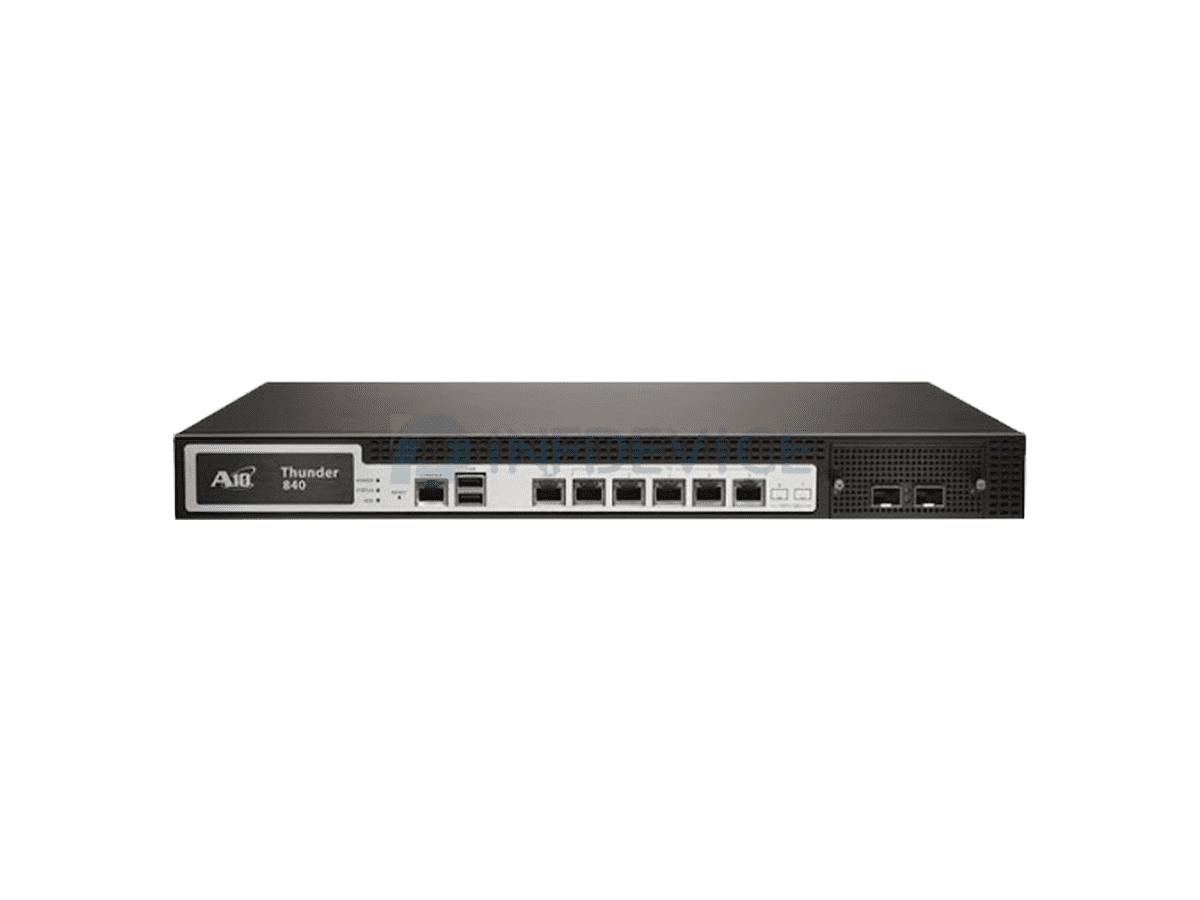
An enterprise firewall sits between your network and everything else, so the platform you pick determines how much traffic can be inspected, how deep that inspection goes, and how much day-to-day administration the device demands over its service life. This section covers the firewall and security platforms we stock across five vendors — Cisco, Fortinet, F5, Juniper and Palo Alto Networks — from desktop appliances sized for a branch office up to multi-slot 1U systems intended for data centre edges.
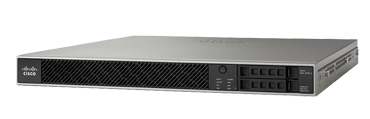
Cisco accounts for the widest spread of models here. The Firepower 1000 Series covers small and mid-size sites, the Firepower 2100 Series adds NetMod expansion bays and a higher throughput ceiling, and the Secure Firewall 4100 Series is aimed at data centre deployments where inspection has to keep pace with 10G and 40G uplinks. Fortinet FortiGate appliances are widely deployed in branch and mid-market networks, and are typically chosen where one box has to combine firewall, routing and VPN. F5 BIG-IP is a different class of product — primarily an application delivery controller that also performs firewall and traffic-management duties in front of server farms. Juniper SRX covers service-provider and large-enterprise edge roles, and Palo Alto Networks appliances are used where application-level visibility is the priority.
Because these platforms differ in licensing model, software train and supported throughput, the deciding factors are usually the size of the link you need to protect and the depth of inspection you intend to run. The series comparison and the selection notes below set out the main lines side by side so you can narrow the choice before requesting a quote.
Start with the size of the connection you are protecting. A single desktop appliance is normally sufficient for a branch or small office running a broadband or small fibre circuit. Once you move to redundant 1G uplinks, multiple internal segments, or any requirement to run intrusion prevention at line rate, a 1U appliance with expansion bays becomes the practical starting point. Data centre edges that terminate 10G or 40G links generally need a chassis-class system with dedicated processing capacity for inspection.
Then decide how much expansion headroom you need. Several lines on this page accept network modules, which let you add copper, fibre or 10G ports after purchase rather than replacing the appliance. If your port count is likely to grow within the life of the device, an appliance with NetMod bays avoids a second capital purchase later. If the port count is fixed and known, a fixed-configuration model is usually the better value.
Consider which software train you intend to run. Cisco appliances are commonly ordered in either an NGFW configuration or an ASA configuration. NGFW models run Cisco's next-generation firewall software with application visibility, intrusion prevention and URL filtering. ASA models run the traditional ASA image, which is typically used where an existing ASA configuration, VPN topology or administrator skillset has to be preserved. The two are different product codes and are not interchangeable by licence alone.
Match the vendor to your existing environment. FortiGate is frequently selected where a single appliance is expected to handle firewall, routing and VPN in one management interface. F5 BIG-IP is normally specified when the requirement is application delivery — load balancing, SSL offload and traffic steering — with security functions as part of the same platform. Juniper SRX and Palo Alto Networks equipment tend to be chosen by teams already standardised on those vendors. All five are supported by our technical team, and all can be quoted with the accessories and modules they require.
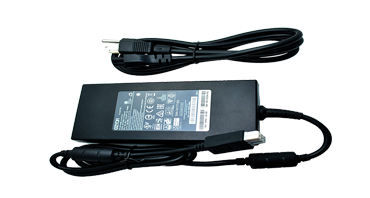
Check what has to be ordered alongside the appliance. Rack-mount and slide-rail kits, power supplies, network modules, transceivers and support contracts are generally separate line items rather than part of the base appliance. If you are working from a bill of materials, send it over and we will price the complete configuration rather than the chassis alone.
| Series | Vendor | Typical deployment | Form factor | Models listed | Price range |
|---|---|---|---|---|---|
| Cisco Firepower 1000 Series | Cisco | Small and mid-size office, branch | Desktop and 1U | 9 | US$684 – US$27,208 |
| Cisco Firepower 2100 Series | Cisco | Mid-size enterprise, campus edge | 1U with NetMod bays | 23 | US$4,736 – US$37,510 |
| Cisco Secure Firewall 4100 Series | Cisco | Data centre edge, high-throughput inspection | 1U, 2 x NetMod bays | 18 | US$42,569 – US$99,471 |
| FortiGate Firewalls | Fortinet | Branch and mid-market, combined firewall and routing | Desktop and 1U | 16 | US$225 – US$43,200 |
| F5 BIG-IP Series | F5 | Application delivery and traffic management | 1U and blade | 21 | US$650 – US$56,499 |
| Juniper SRX5000 Series | Juniper | Large enterprise and service provider edge | Chassis | 1 | US$3,000 |
| PA-5000 Series | Palo Alto Networks | Application-aware perimeter security | 1U | 1 | US$420 |
Prices shown are the current listed prices for the models held in stock and exclude modules, power supplies, rail kits and support contracts unless stated. Where a series spans a wide range, the lower figure is normally a fixed-configuration desktop appliance and the upper figure a fully populated 1U system or bundle.
What is the difference between the Firepower 1000, 2100 and 4100 Series?
The three lines differ mainly in throughput ceiling and expansion. The 1000 Series is a fixed or lightly expandable appliance for small and mid-size sites. The 2100 Series is a 1U appliance with NetMod expansion bays and a higher throughput rating, intended for larger branch and campus edges. The 4100 Series is a 1U system with two NetMod bays and is positioned for data centre deployments with 10G and 40G uplinks.
What do the -NGFW-K9 and -ASA-K9 suffixes mean?
They indicate the software image the appliance ships with. NGFW models run Cisco's next-generation firewall software, which provides application visibility, intrusion prevention and URL filtering. ASA models run the traditional ASA image. They are separate product codes; the software train is not changed by adding a licence.
Do I need to buy network modules separately?
For appliances with NetMod bays, yes — the module is a separate line item. Copper, fibre and 10G modules are listed individually, and the expansion bay count differs between models within a series. If you are unsure which modules a given appliance accepts, send us the model number and we will confirm.
Are rail kits and power supplies included?
Not always. Slide-rail kits and redundant power supplies are frequently separate items, and the default power supply configuration varies by model. We list these accessories individually so the bill of materials is explicit.
Can I mix vendors across one network?
Yes. Many of the deployments we support run Cisco at the campus edge and Fortinet or Palo Alto Networks at remote sites. The practical considerations are consistent policy management and a common skillset among the administrators, rather than any technical incompatibility.
How do I order a complete configuration rather than just the chassis?
Send us your bill of materials or the model numbers you are working from, and we will price the full configuration including modules, transceivers, power supplies and rails. Bulk and project quantities are quoted individually.