
Intellectual Property
Hot selling product recommendations
View More



















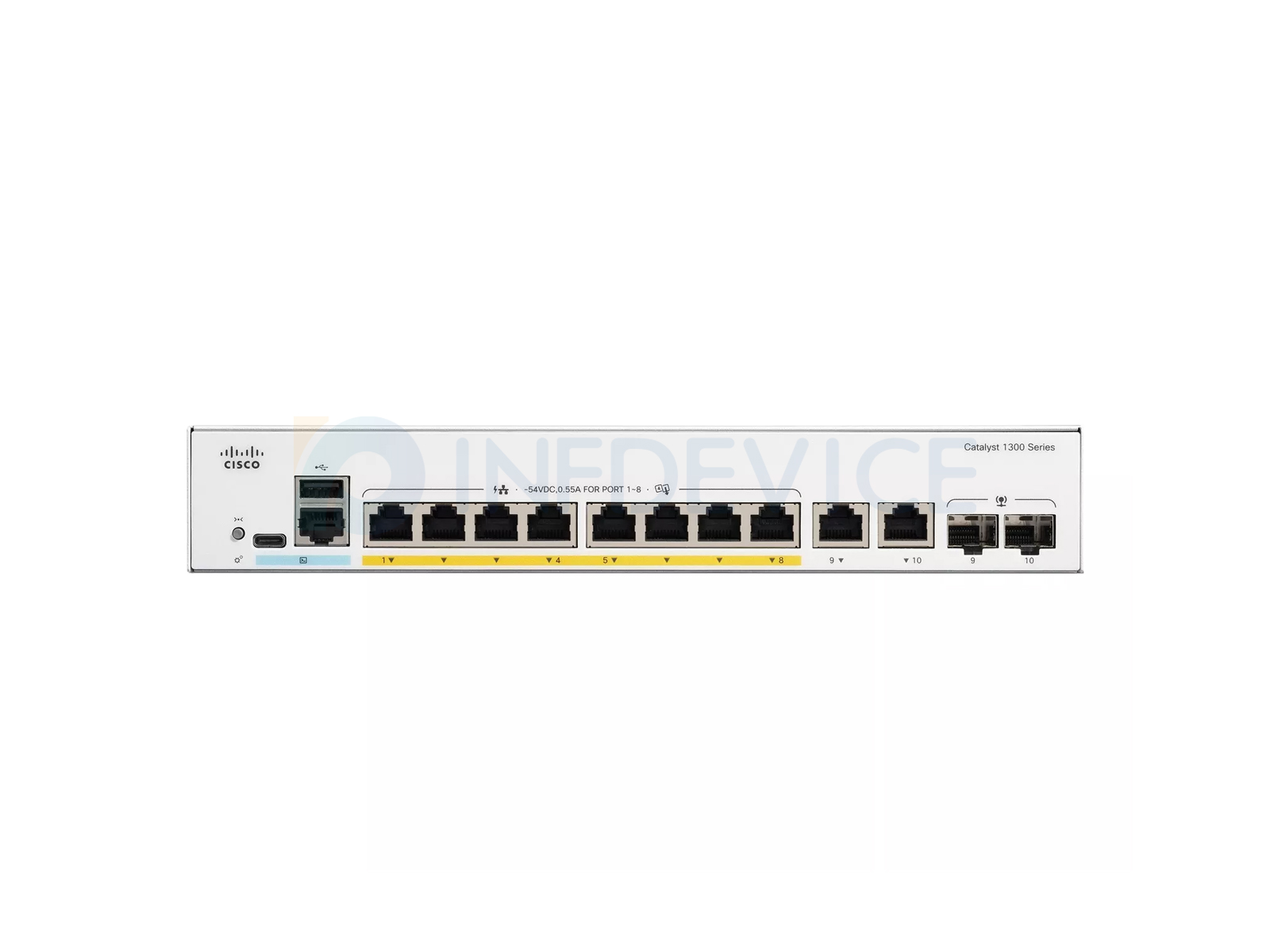
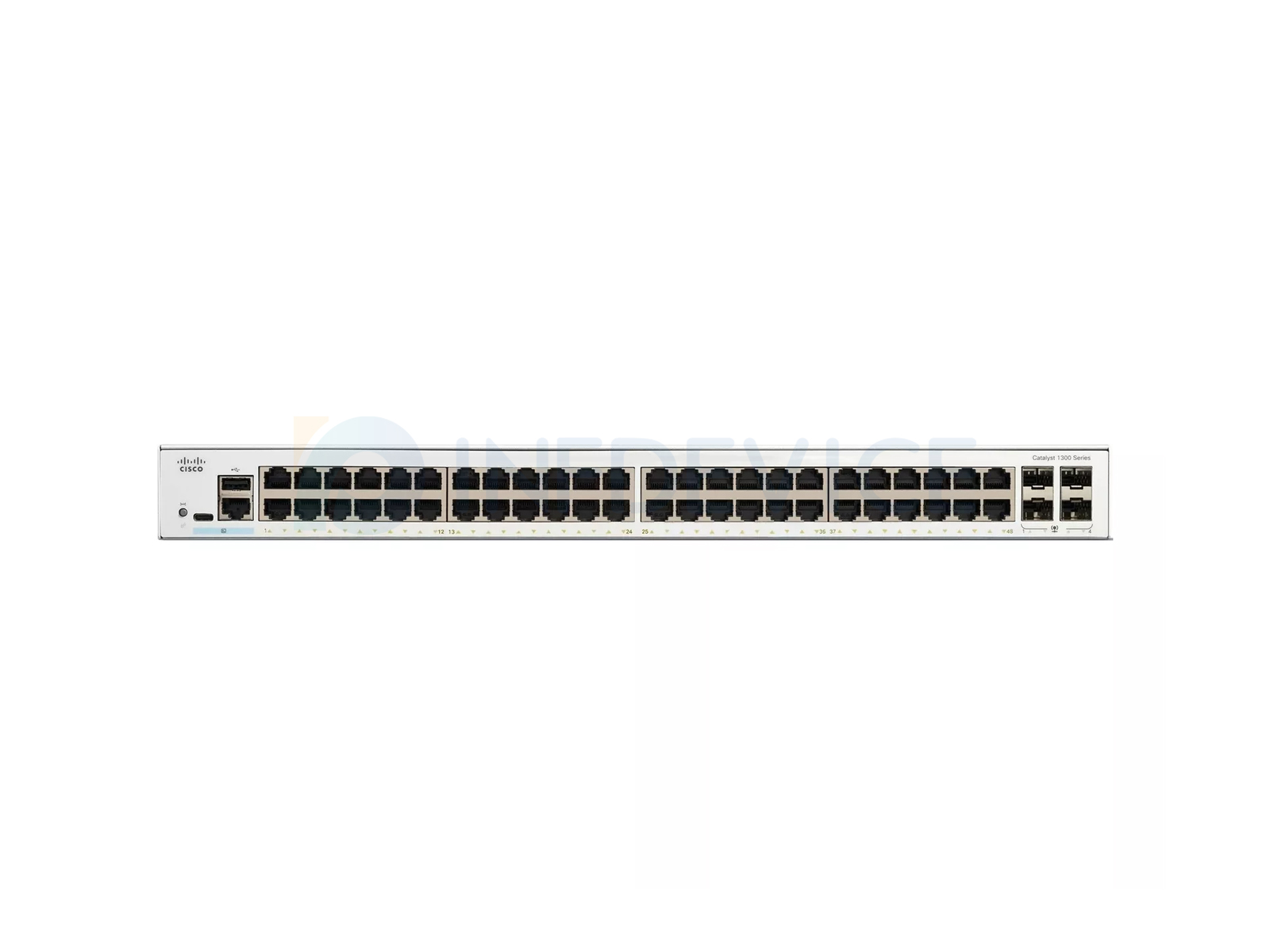
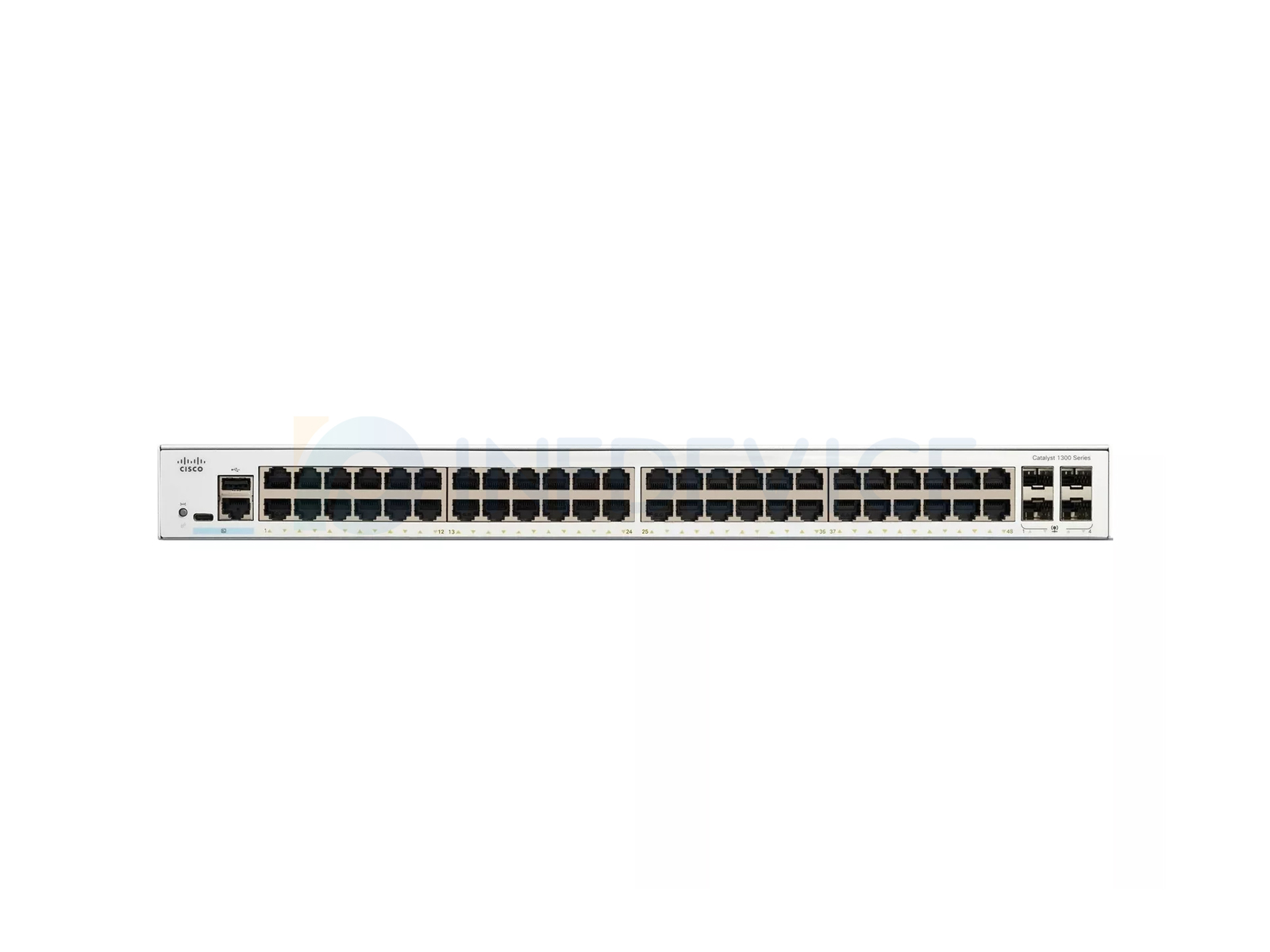
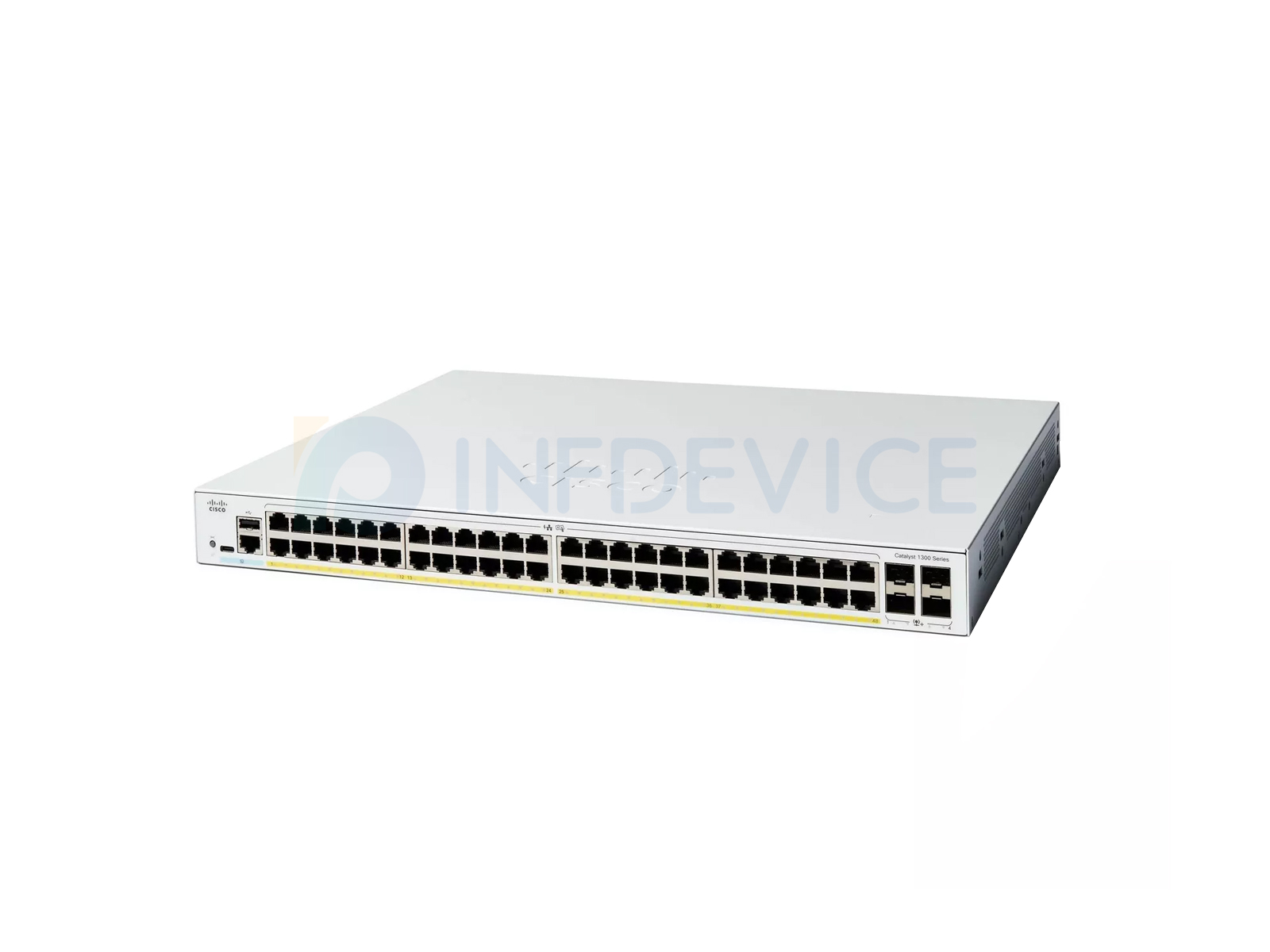
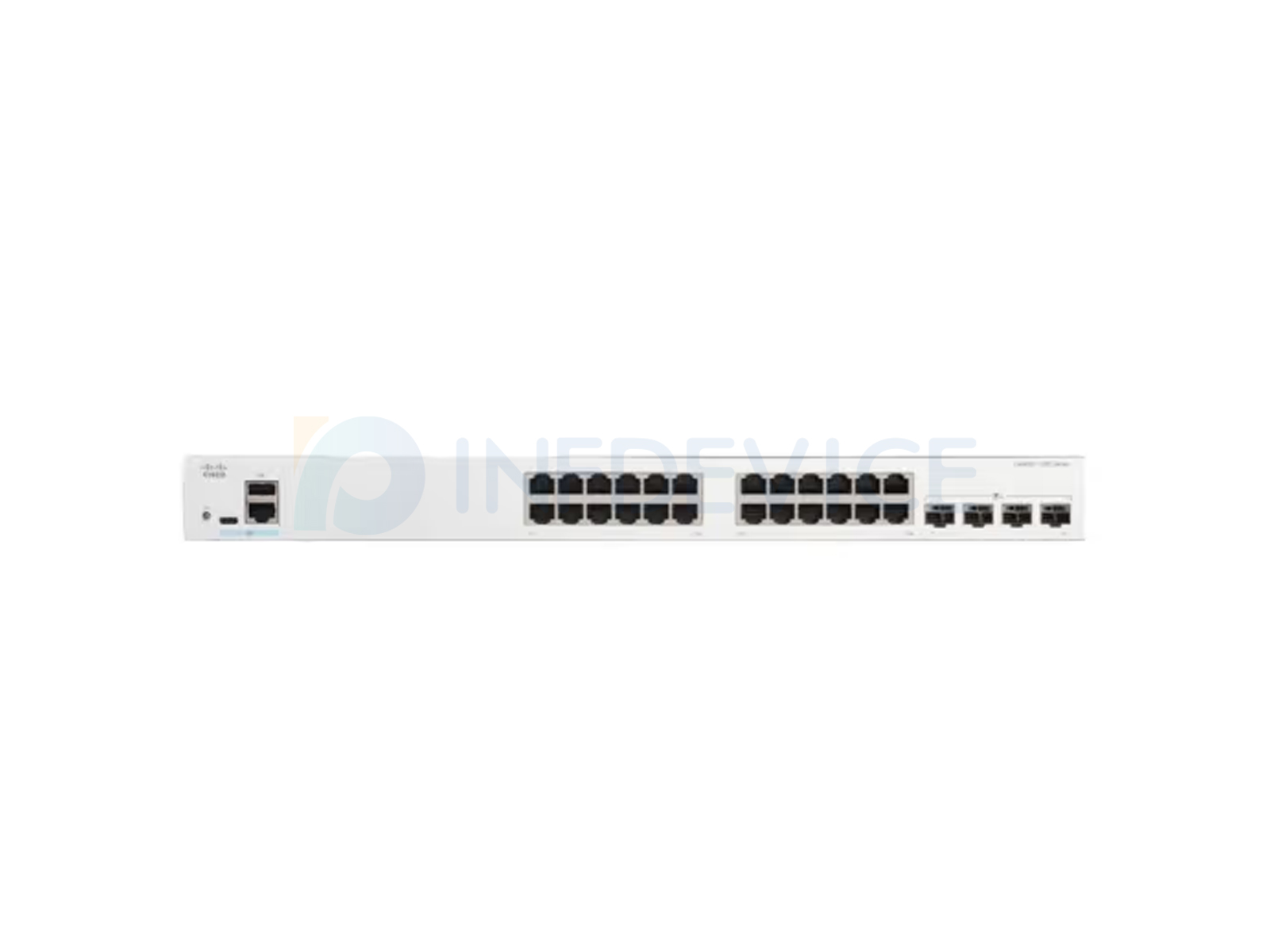
The Cisco Catalyst 1300 is the entry point of the Catalyst switching family — the line a
small business, retail site, clinic or branch office buys when it needs a managed switch with
real Cisco support rather than an unmanaged box. It is a fixed-configuration, fanless-or-quiet
access switch range covering 8, 12, 16, 24 and 48 ports, with Power over Ethernet in most
variants and a choice of Gigabit SFP or 10-Gigabit SFP+ uplinks.
Because the naming is dense, it is worth learning to read a part number before comparing
prices. A model such as C1300-24FP-4X decodes in three parts:
Two models sit slightly apart from this pattern: C1300-12XS and
C1300-12XT-2X, the 12-port members of the range, which pair twelve access ports
with two uplinks. Everything else follows the port-prefix / power-class / uplink structure
above.
The range is managed through a local web interface, Cisco Business Dashboard, or the cloud
— there is no CLI-first configuration model here, which is deliberate: the 1300 is aimed at
sites without a network engineer on staff.
Port counts run 8, 12, 16, 24 and 48. As a rule, buy for the cabling that will exist in
three years rather than the sockets that are patched today — the price step from a 24-port to
a 48-port chassis is smaller than the cost of replacing the switch a year later. The 8-port
and 12-port models are the right answer for a single small room, a kiosk or a retail counter,
not for a wiring closet.
This is where deployments most often go wrong. The PoE budget is a total watts for the
whole switch, not a per-port allowance:
Add up the rated draw of every powered device, then leave at least 20–30% in reserve; a
switch running at its PoE ceiling has nothing left for the next device anyone plugs in.
The uplink is the switch's link back to the rest of the network, and choosing it wrong is
the most expensive mistake in this range because it cannot be changed later:
The 4X variants cost more than their 4G equivalents for the same
port count. If the site has no 10G anywhere and no plan to add it, that premium buys nothing.
The larger chassis are rack-mountable; the small ones can sit on a shelf. The
FP models with the largest PoE budgets draw more mains power than the standard models
and should be checked against the circuit available in the closet — a 48-port full-power
switch feeding 740 W of devices is not a device you can put on a shared 5 A circuit.
| Model | Access Ports | PoE Budget | Uplinks | Price |
|---|---|---|---|---|
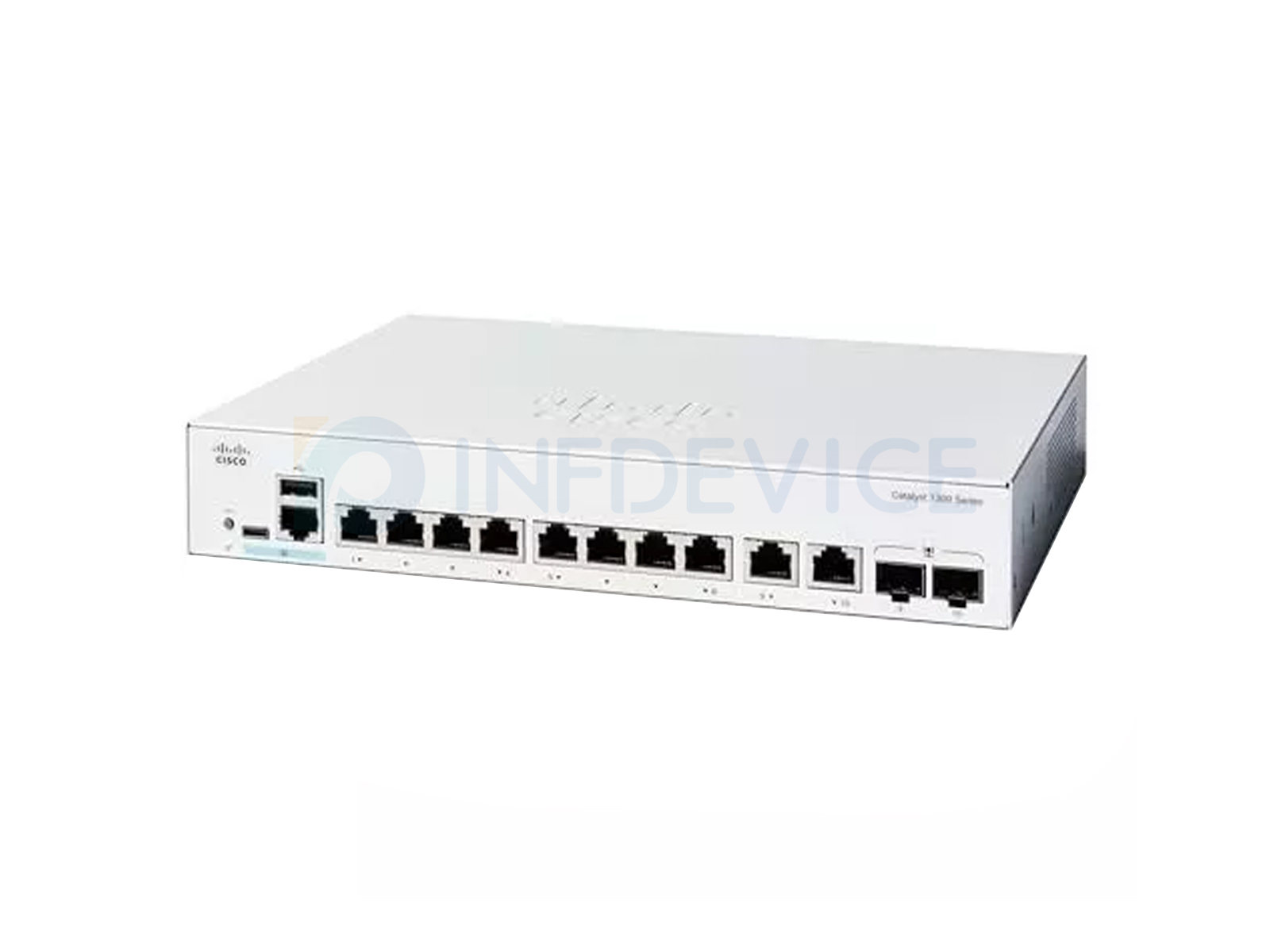
| C1300-8T-E-2G | 8 x 1G | None (data only) | 2 x 1G combo | US$252.02 |
| C1300-8P-E-2G | 8 x PoE+ | PoE+ | 2 x 1G combo | US$310.86 |
| C1300-8FP-2G | 8 x PoE+ | Full-power PoE+ | 2 x 1G combo | US$412.89 |
| C1300-12XS | 12 x 1G PoE+ | PoE+ (130 W) | 2 x SFP | US$1,478.65 |
| C1300-12XT-2X | 12 x 1G PoE+ | PoE+ | 2 x SFP | US$1,451.99 |
| Model | Access Ports | PoE Budget | Uplinks | Price |
|---|---|---|---|---|
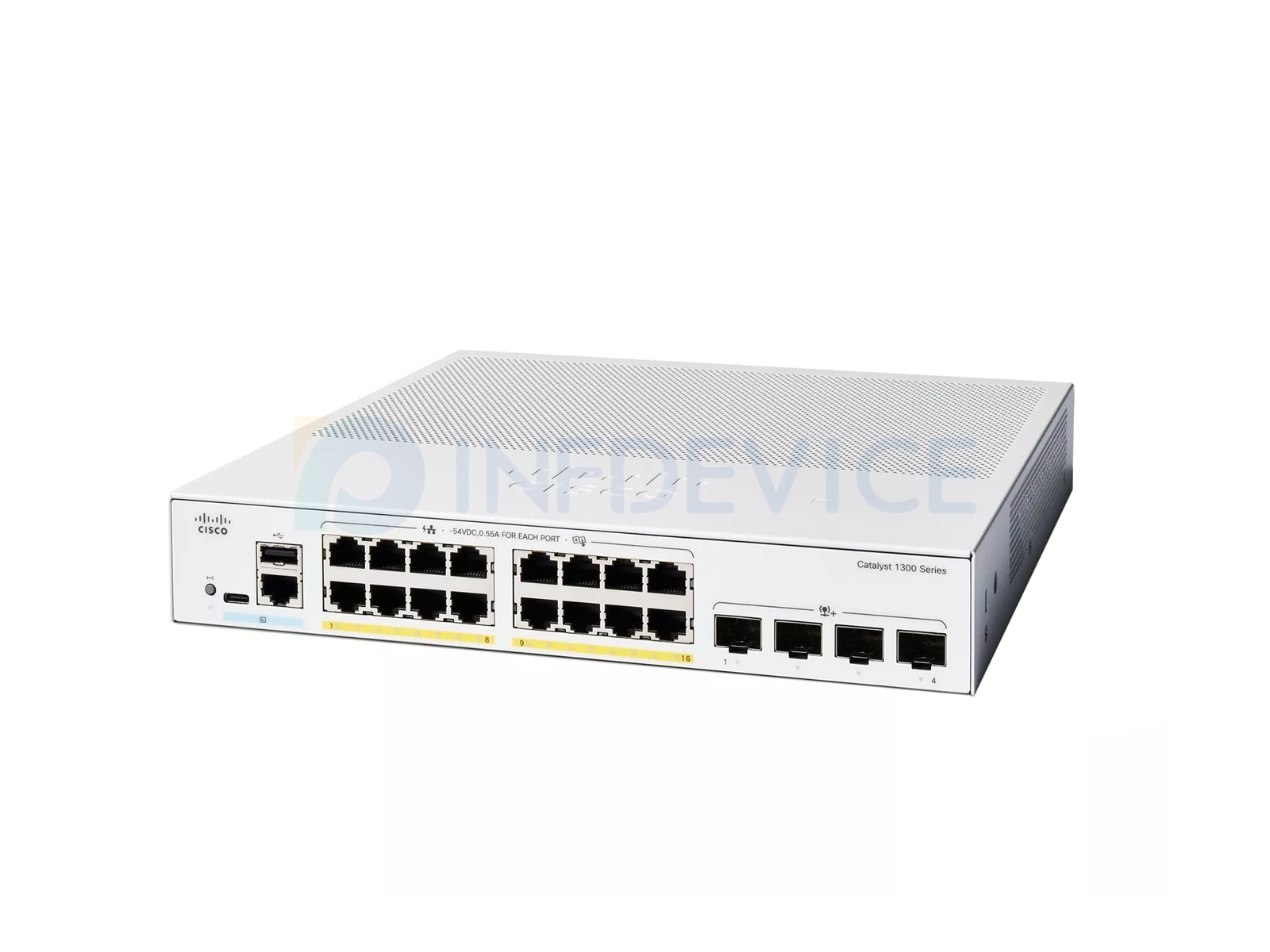
| C1300-16T-2G | 16 x 1G | None (data only) | 2 x 1G SFP | US$355.71 |
| C1300-16P-2G | 16 x PoE+ | 120 W | 2 x 1G SFP | US$515.84 |
| C1300-16P-4X | 16 x PoE+ | 120 W | 4 x 10G SFP+ | US$582.43 |
| C1300-16FP-2G | 16 x PoE+ | 240 W (full power) | 2 x 1G SFP | US$731.60 |
| Model | Access Ports | PoE Budget | Uplinks | Price |
|---|---|---|---|---|
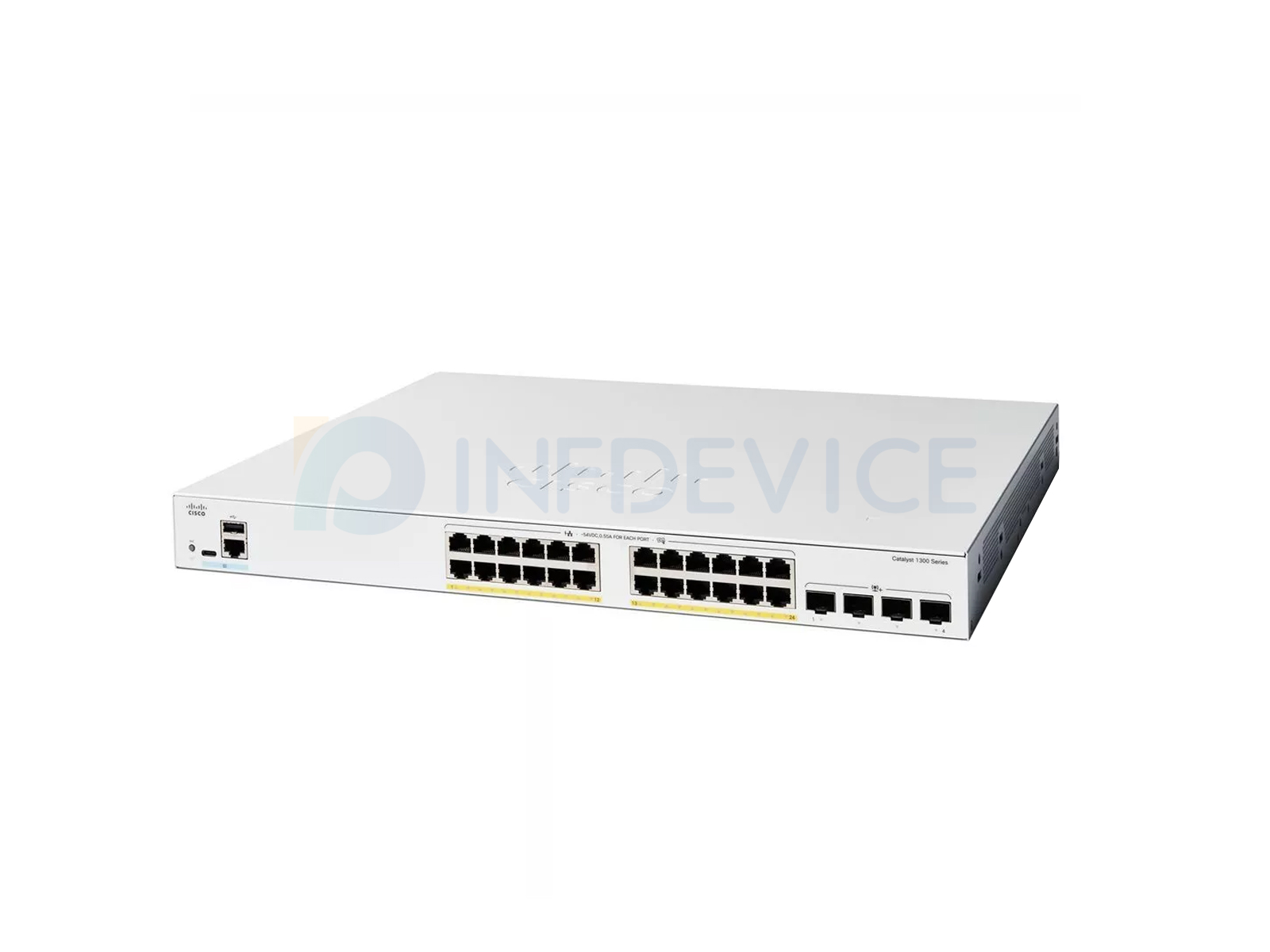
| C1300-24T-4G | 24 x 1G | None (data only) | 4 x 1G SFP | US$486.15 |
| C1300-24P-4G | 24 x PoE+ | 195 W | 4 x 1G SFP | US$692.54 |
| C1300-24T-4X | 24 x 1G | None (data only) | 4 x 10G SFP+ | US$822.69 |
| C1300-24FP-4G | 24 x PoE+ | 370 W (full power) | 4 x 1G SFP | US$941.17 |
| C1300-24P-4X | 24 x PoE+ | 195 W | 4 x 10G SFP+ | US$981.52 |
| C1300-24FP-4X | 24 x PoE+ | 370 W (full power) | 4 x 10G SFP+ | US$1,333.20 |
| Model | Access Ports | PoE Budget | Uplinks | Price |
|---|---|---|---|---|
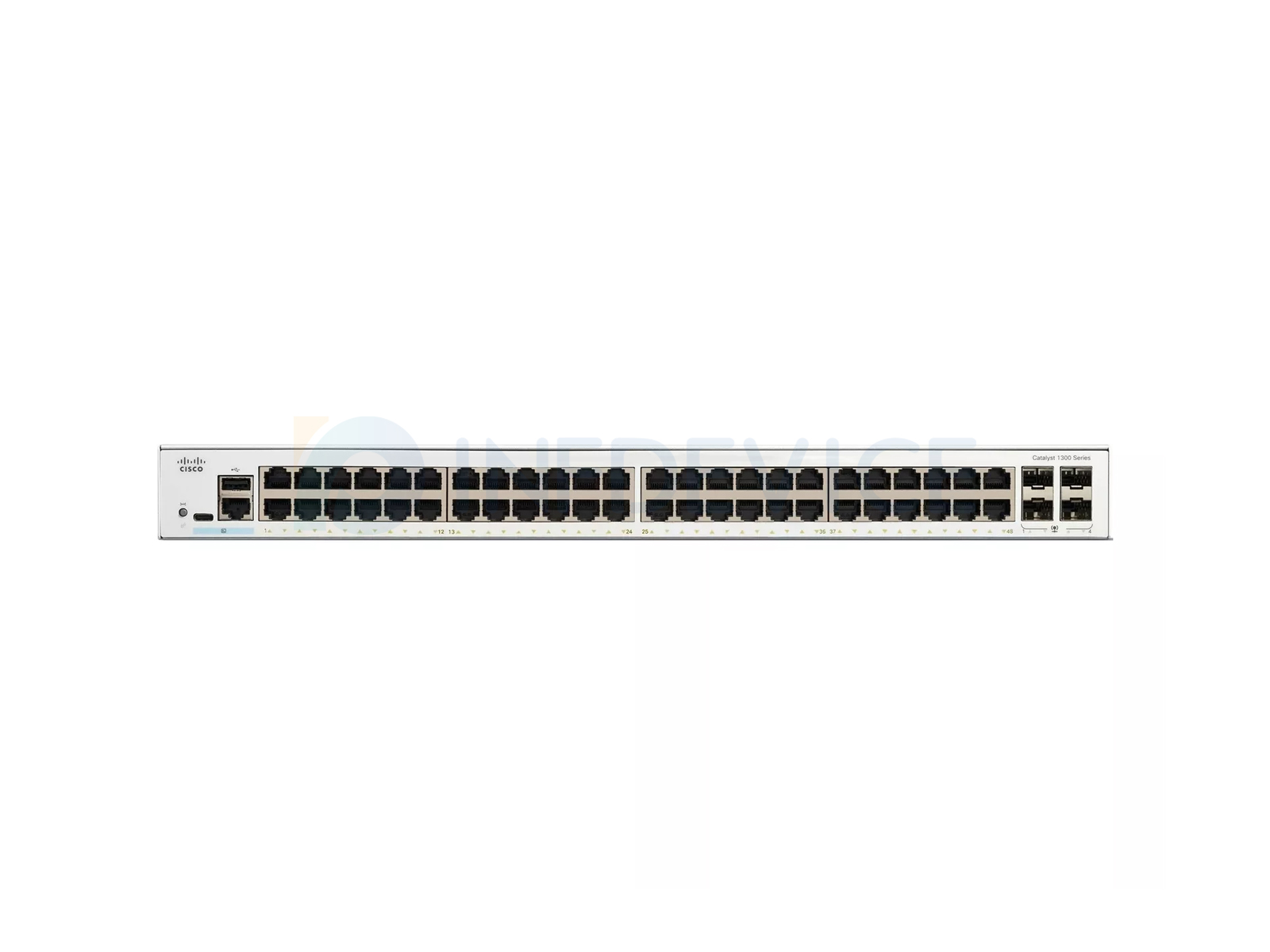
| C1300-48T-4G | 48 x 1G | None (data only) | 4 x 1G SFP | US$766.79 |
| C1300-48P-4G | 48 x PoE+ | 370 W | 4 x 1G SFP | US$1,259.69 |
| C1300-48T-4X | 48 x 1G | None (data only) | 4 x 10G SFP+ | US$1,297.21 |
| C1300-48FP-4G | 48 x PoE+ | 740 W (full power) | 4 x 1G SFP | US$1,575.48 |
| C1300-48FP-4X | 48 x PoE+ | 740 W (full power) | 4 x 10G SFP+ | US$2,066.24 |
| C1300-48P-4X | 48 x PoE+ | 370 W | 4 x 10G SFP+ | US$2,255.57 |
Prices are our current selling prices in US dollars, excluding shipping. Click a
model number for the full specification table and availability.
C1300-24FP-4X breaks down as: 24 access ports, FP full-power
PoE+ (as against P for standard-budget PoE+ and T for data only), and 4X
for four 10-Gigabit SFP+ uplinks (2G and 4G being two and four Gigabit SFP
uplinks respectively).
The PoE power budget, not the port count. A P model supplies PoE+ with a standard
budget — around 195 W on a 24-port and 370 W on a 48-port chassis. An FP model supplies
the same PoE+ standard but with a much larger total budget — around 370 W on a 24-port and
740 W on a 48-port. Choose FP where the closet feeds several high-draw devices at the same
time; choose P where the powered load is light.
Only if there is 10G elsewhere in the network. A 10G uplink port connected to a Gigabit
switch negotiates down to Gigabit, so the premium buys nothing in an all-Gigabit topology. It
becomes worthwhile where the switch aggregates several closets, or where the upstream
distribution switch already has 10G ports.
For the whole switch. A 24-port FP model with a 370 W budget can power any mix of devices
totalling up to 370 W — it is not 370 W on every port. Add up the rated draw of every powered
device and keep 20–30% in reserve, or the last device installed will be the one that does not
come up.
Through a local web interface, through Cisco Business Dashboard, or from the cloud. It is a
managed switch with a GUI-first configuration model — there is no expectation that the site
has a CLI-trained engineer.
Yes. The uplink variant only affects how that particular switch connects upward; the access
ports are the same 1G ports across the range. In practice a site often uses 4G uplink models
in the access closets and a 4X model where several closets aggregate.
Yes — Gigabit SFP and 10-Gigabit SFP+ transceivers, along with the DAC and fibre patch
cords, are stocked separately. Tell us the switch model and the uplink distance and we will
quote the complete link rather than just the switch.


 Add to Cart
Added
Add to Cart
Added
 Add to Cart
Added
Add to Cart
Added
 Add to Cart
Added
Add to Cart
Added
 Add to Cart
Added
Add to Cart
Added
 Add to Cart
Added
Add to Cart
Added
 Add to Cart
Added
Add to Cart
Added
 Add to Cart
Added
Add to Cart
Added
 Add to Cart
Added
Add to Cart
Added
 Add to Cart
Added
Add to Cart
Added
 Add to Cart
Added
Add to Cart
Added
 Add to Cart
Added
Add to Cart
Added
 Add to Cart
Added
Add to Cart
Added